

Coaching basketball or managing a team calls for more than talent on the court. There are tools that promise to make practices easier, sharpen strategy, and help coaches lead with confidence. Some focus on teaching, while others put all the pieces of planning and communication in one place. The right resource can save you hours and shape better results for players and coaches alike. Curious about the best ways to run smooth practices or get ahead in competition? Let us look closer at how different platforms help coaches get organized and bring out the best in their teams.
Table of Contents
- Hoop Mentality
- FastModel Sports
- XPS Network Sports
- Hoopscribe
- Practice Planner Live
- Basketball Immersion
- Coach’s Eye
- Just Play Sports Solutions
Hoop Mentality
At a Glance
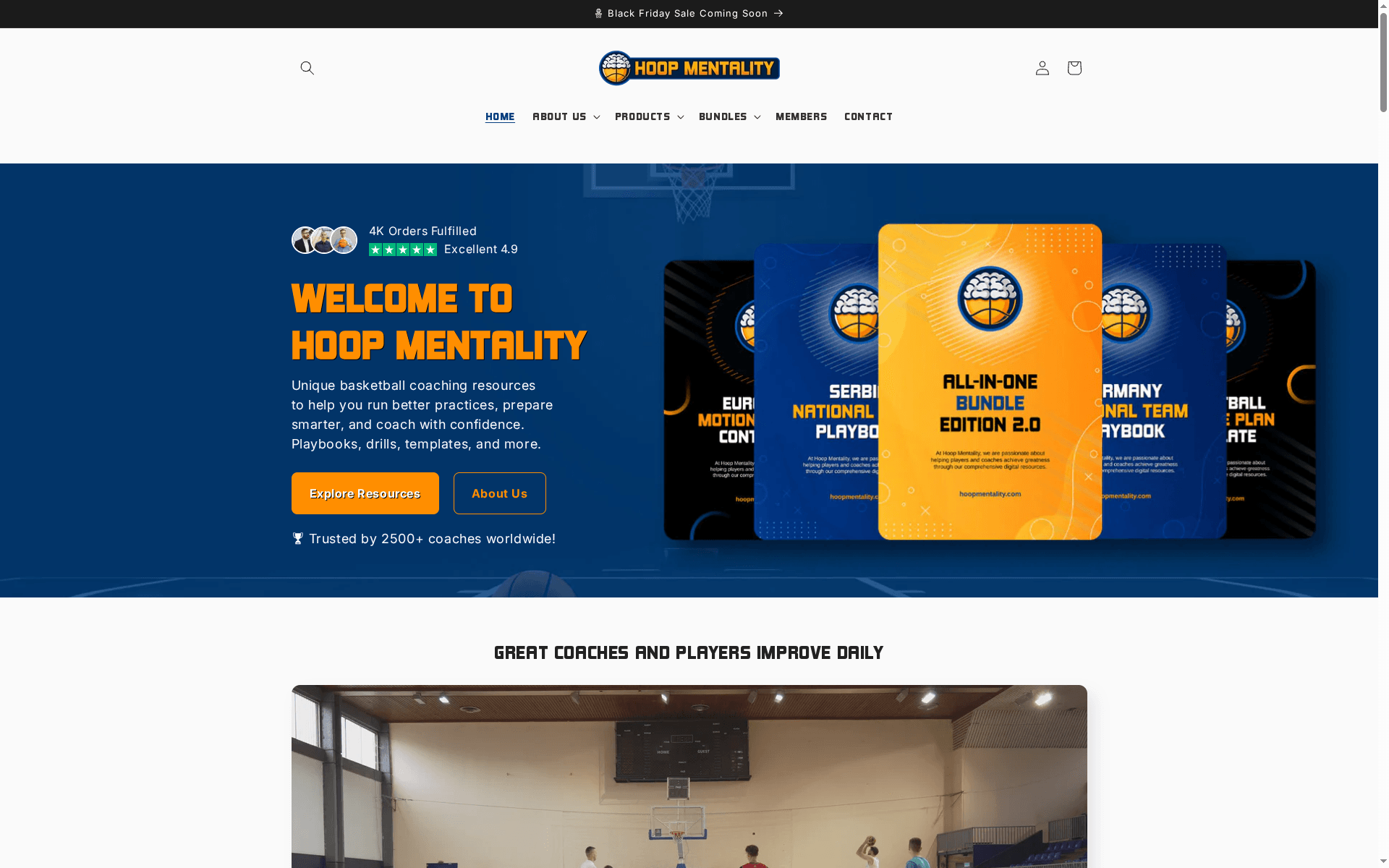
Hoop Mentality provides professional basketball coaching resources designed to support coaches at every level. Our collection includes detailed playbooks, progressive drills, scouting templates, practice plans, and strategy guides, all developed through real coaching experience. Each resource is created to help coaches organize practices more effectively, prepare teams for competition with clarity and structure, and implement proven systems with confidence. By offering practical and easy to use tools, Hoop Mentality enables coaches worldwide to save time, improve communication with players, and focus on what matters most, developing their teams and winning games.
In short: a coach-first resource library trusted by thousands, built to cut prep time and raise on-court standards. It’s practical, structured, and immediately actionable.
Core Features
Hoop Mentality bundles playbooks, drills, templates, checklists, and other coaching assets into both an all-in-one coaching bundle and specialized packages so you can buy exactly what you need. Resources are delivered as digital downloads with unlimited re-download access and a secure PayPal checkout. Every item is designed by coaches for coaches, reflecting real practice flows and game planning. The site emphasizes growth, organized coaching systems, and measurable improvement in coaching and player performance.
Limitations are deliberate design choices: some items sell out frequently (high demand for curated bundles), digital products are final sale (non-refundable), and downloads require an account for access—tradeoffs that prioritize product quality, licensing, and secure delivery.
Pros
- Extensive collection of proven coaching resources: The catalog covers season plans, practice designs, and individual player development tools so you rarely need outside material.
- High user ratings (4.9/5): Feedback indicates reliability and real impact in practice outcomes.
- Resources suitable for coaches at all levels: Youth, high school, and college coaches will find progressive drills and systems that scale in complexity.
- Structured bundles provide comprehensive tools for season planning and player development: Bundles save time and ensure consistent coaching across practices and games.
- Secure, flexible digital access: Unlimited re-downloads and PayPal payments make distribution and purchase straightforward.
Who It’s For
Hoop Mentality is ideal for basketball coaches who want organized, proven coaching resources to improve team performance and efficiency. If you coach multiple teams, run long seasons, or need repeatable practice structures, this resource library reduces planning friction and professionalizes preparation. New coaches gain systems; experienced coaches get time back.
Unique Value Proposition
Hoop Mentality’s strength is depth plus practicality: resources aren’t theoretical—they were created through real coaching experience and packaged so a coach can open a file and run a session the same day. Compared to ad-hoc drills and scattered PDFs, Hoop Mentality offers cohesive season plans, playbooks, and scouting templates that align practice objectives with game strategy. The unlimited re-download model and curated bundles emphasize long-term program building rather than one-off fixes. In short: it’s a coaching ecosystem designed to save hours each week, improve player development, and deliver consistent competitive advantages.
Real World Use Case
A coach purchases the “All-in-One Bundle Edition 2.0” to access a comprehensive collection of playbooks and drills, then uses those resources to structure weekly practices, implement offensive/defensive systems, and run progressive player development plans across the season—cutting planning time while improving execution in games.
Pricing
From $24.99 to $399.99 USD, with discounts on bundles and sales available.
Website: https://hoopmentality.com
FastModel Sports
At a Glance
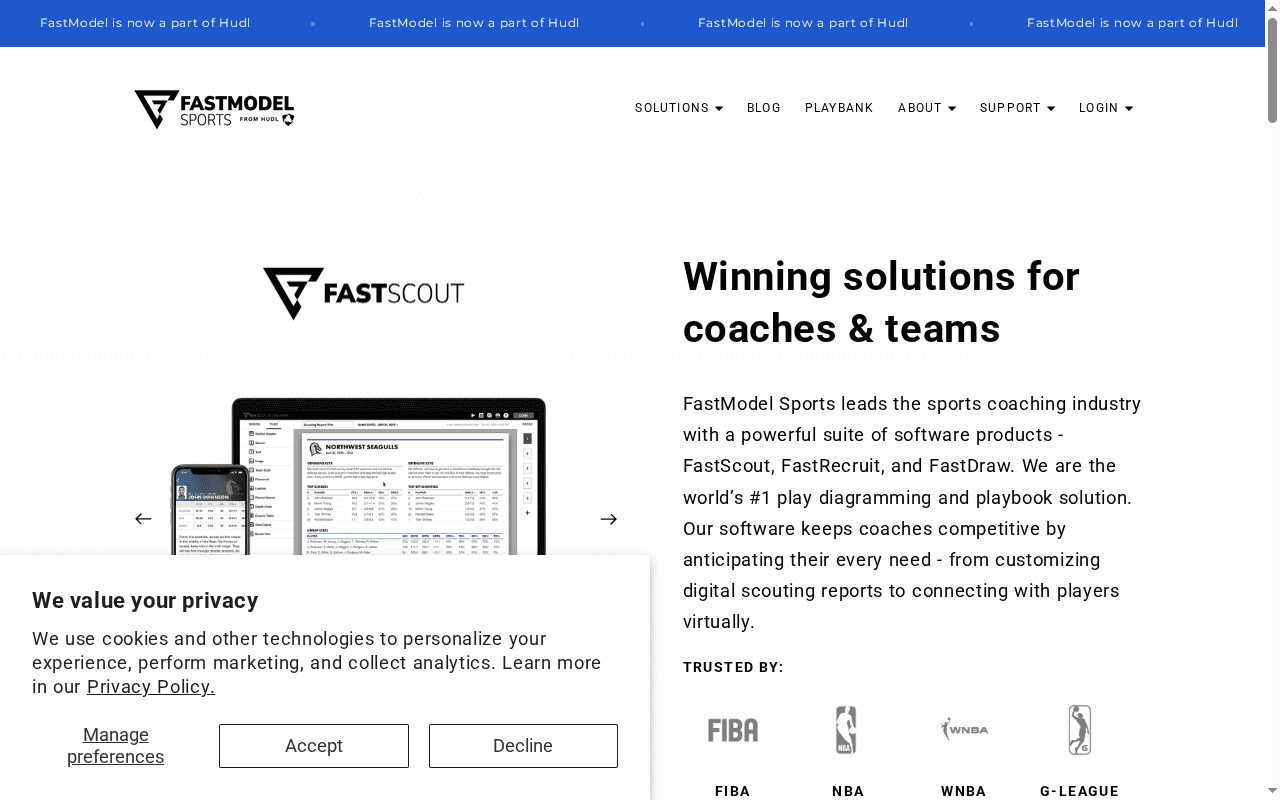
FastModel Sports is the go-to suite for basketball coaches who need professional-grade diagramming, scouting, and video integration in one place. It combines play creation (FastDraw), opponent scouting (FastScout), and recruiting workflows (FastRecruit) under a single provider now integrated with Hudl. If you run practices, build playbooks, or prepare scouting dossiers, FastModel streamlines those tasks—but there’s a learning curve for coaches new to digital systems. Powerful. Trusted. Not cheap for every program.
Core Features
FastModel packs focused, basketball-specific capabilities: precise play diagramming and playbook creation, digital scouting reports with opponent analysis, recruitment management tools for scheduling and communication, video sharing tightly integrated with scouting notes, and analytics for game and player performance. Those pieces are designed to work together so you can diagram a play, tag relevant video clips, and push a scouting report to staff and players without switching platforms.
Pros
- Industry leader in basketball coaching solutions: FastModel’s long track record and adoption by high-level organizations give it credibility and depth of features tailored to basketball.
- Wide range of products for different coaching needs: The suite covers diagramming, scouting, and recruiting so you don’t have to cobble together separate tools.
- Trusted by major basketball organizations: Adoption by groups like FIBA, NBA, WNBA, NCAA, and G‑League signals the platform is built to scale and handle elite workflows.
- Ease of sharing and collaboration tools: Coaches can distribute plays, reports, and video quickly to staff and players, which speeds prep and improves team alignment.
- Integration with video and analytics: Tying diagrams and scouting to actual clips and performance metrics creates more actionable prep work for practices and scouting meetings.
Cons
- Specific focus on basketball limits cross-sport use: If you need a multi-sport solution, FastModel’s specialization makes it less suitable for other athletic programs.
- Potentially complex features for new users without training: The depth of functionality can be overwhelming for coaches who haven’t had onboarding or hands-on training.
- Subscription-based pricing may be costly for small programs: Smaller schools or community programs may find the custom or tiered pricing outside their budgets without a clear low-cost entry point.
Who It’s For
FastModel is ideal for basketball coaches at every level who need professional diagramming, structured scouting workflows, and integrated video analysis. From high-school varsity coaches aiming to modernize prep to college and pro staffs running detailed opponent scouting, FastModel suits teams that prioritize tactical clarity and staff collaboration.
Unique Value Proposition
FastModel’s unique value is its basketball-first ecosystem: play drawing, scouting, recruiting, and video analytics that were built for coaches by people who understand the sport. That vertical focus—coupled with endorsement by top organizations and Hudl integration—delivers a streamlined workflow coaches can trust when preparing practices and game plans.
Real World Use Case
A college program uses FastScout to break down an upcoming opponent: assistants tag film, diagram likely sets in FastDraw, and the head coach shares a concise scouting packet with players before practice. During walkthroughs, video clips and diagrams sync, reducing confusion and increasing reps on the right actions.
Pricing
Quote-based — Pricing details are not specified on the website and are likely customized by product bundle and institutional tier.
Website: https://fastmodelsports.com
XPS Network Sports
At a Glance
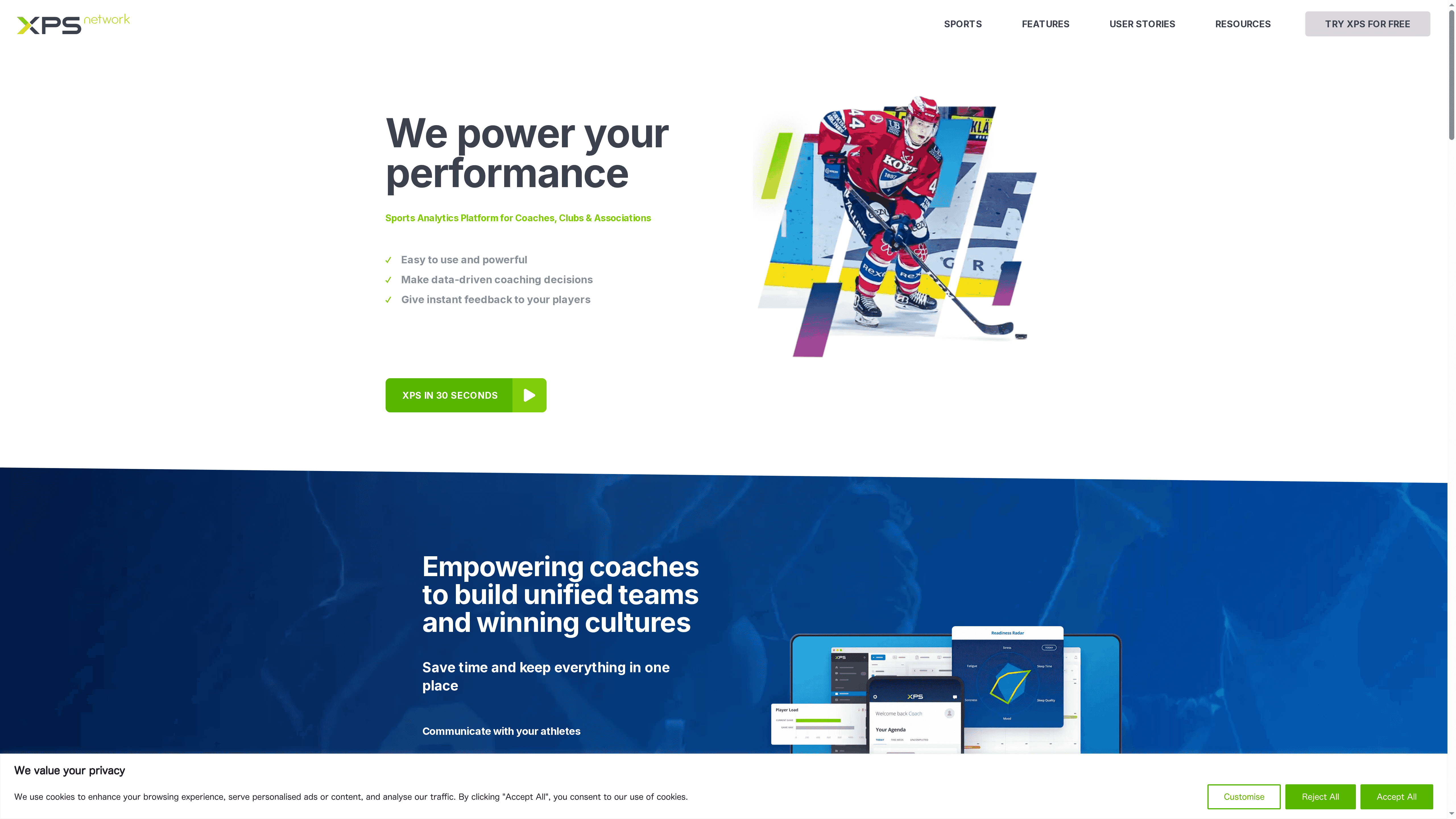
XPS Network Sports is a unified sports analytics and management platform built for coaches, clubs, and associations who want to move to data-driven coaching without juggling multiple tools. It combines planning, communication, video review, and injury-management resources in a single, user-friendly interface. If you need a comprehensive hub to centralize training plans, feedback, and performance monitoring, XPS makes that practical — though the breadth of features can feel dense at first.
Core Features
XPS delivers planning and management tools alongside monitoring and evaluation modules that track training and performance. Communication features let you push instructions and updates directly to players, while tactical tools provide diagrams and simple animations for session design. Video analysis is built in for reviewing games and practices, and collections of resources include injury-management and wellness tracking materials. The platform is positioned as easy to use but powerful, intended to enable instant player feedback and unified team administration.
Pros
- Comprehensive feature set: XPS combines planning, monitoring, communication, tactics, and video analysis so you can manage nearly every coaching task from one platform.
- User-friendly interface: The product is described as easy to use, which reduces onboarding time and helps coaches adopt the tool faster.
- Multi-sport support: It supports a wide range of sports, making it suitable for clubs and associations that manage multiple programs.
- Data-driven decision-making: Built-in monitoring and evaluation features enable coaches to base training adjustments on measurable insights.
- Facilitates clear communication and feedback: Integrated messaging and feedback tools make it straightforward to keep players informed and engaged.
Cons
- Lack of detailed limitation disclosure: The source material does not specify concrete limitations, which makes it hard to judge edge-case suitability or potential platform constraints.
- May require subscription or specific equipment: The platform likely works best with paid plans or added hardware, which could increase total cost of adoption.
- Feature overwhelm for some users: Coaches new to digital systems might find the wide range of tools overwhelming without dedicated training or time to explore.
Who It’s For
XPS is aimed at sports coaches, team managers, sports organizations, and athletic trainers who want an all-in-one platform to organize training, analyze performance, and manage player welfare. It suits programs that value structured planning, centralized communication, and evidence-based decision-making across multiple teams or sports.
Unique Value Proposition
XPS stands out by bundling tactical diagrams, video analysis, performance monitoring, and injury-management resources into one environment. That eliminates the need to stitch together separate tools and lets coaching staff move from data to instruction quickly, keeping everything — plans, feedback, and wellness records — under one roof.
Real World Use Case
A basketball coach uses XPS to tag and break down game footage, design practice sessions with animated diagrams, send individualized feedback to players, and monitor wellness metrics to prevent overuse injuries — all informed by collected performance data to iterate training plans week to week.
Pricing
Free tier available — try for free; no credit card required. Exact pricing tiers and paid-plan details are not specified in the provided content.
Website: https://sidelinesports.com
Hoopscribe
At a Glance
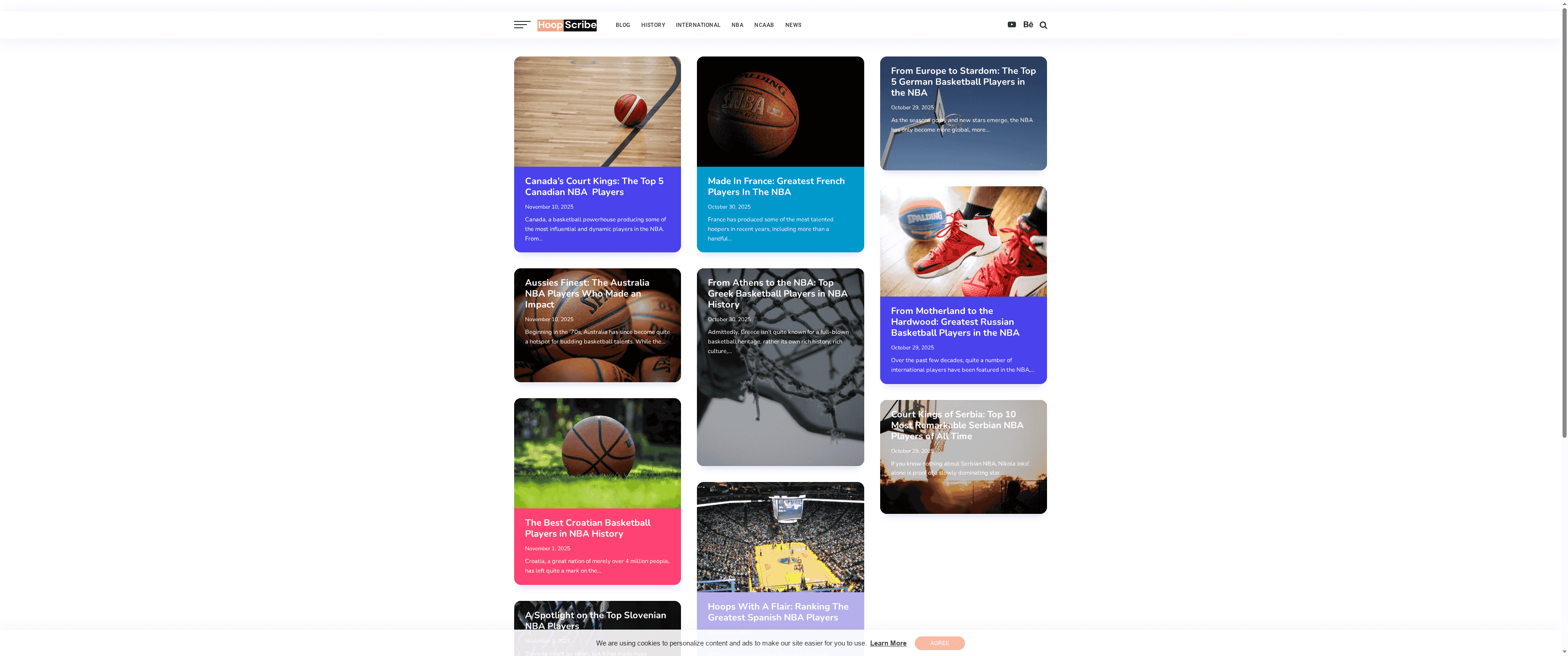
Hoopscribe is a focused online resource for basketball news and history that zeroes in on international players—especially those who made the leap to the NBA. If your primary interest is understanding how players from different countries have shaped the modern game, Hoopscribe delivers well-organized profiles, rankings, and historical context. It’s not a one-stop shop for every basketball niche, but for international talent and cultural perspectives it’s a dependable reference.
Core Features
Hoopscribe centers on a handful of clear, repeatable features: in-depth international basketball player profiles, top-player rankings by country and region, historical articles that track careers and trends, up-to-date global basketball news, and editorials that spotlight cultural influences on the sport. Content is organized around players and regions, which makes it easy to deep-dive into a specific country’s contributions or to scan through the latest international headlines.
Pros
- Detailed international player insights: Profiles go beyond basic stats to explain a player’s background and significance in global basketball terms. This helps you understand why certain players matter to their home countries and to the NBA.
- Highlights lesser-known talent: Hoopscribe intentionally surfaces players who might be missed by mainstream outlets, making it a strong resource for scouts, coaches, and fans wanting fresh perspective.
- Balanced historical and current coverage: The site pairs historical articles with recent news, so you can trace long-term trends while staying current on developments overseas.
- Engaging cultural context: Spotlights on cultural influences give depth to profiles—useful when you want to explain how a region’s basketball style or pathway produces certain types of players.
- Free access to content: Articles are available without paywalls, which keeps research and casual reading frictionless.
Cons
- Limited coverage of non-NBA basketball: The site’s primary emphasis on international players who reached the NBA means domestic leagues and grassroots scenes receive less attention, which can leave gaps for coaches tracking player development pathways.
- Narrow editorial focus may limit variety: If you need playbooks, drills, or coaching resources, Hoopscribe won’t fulfill those operational needs because it’s editorially centered on players and history.
- Needs constant updating to stay timely: With a news-driven model, the value of Hoopscribe depends on frequent updates—stale content quickly reduces its usefulness for current-event reporting.
Who It’s For
Hoopscribe fits basketball enthusiasts, sports analysts, researchers, and journalists who want concise, context-rich material on international NBA talent and the historical forces behind it. Coaches interested purely in practice planning or drills will find less direct utility, but those studying player backgrounds and international trends will benefit.
Unique Value Proposition
Hoopscribe’s edge is its concentrated view of global basketball through the lens of player profiles, regional rankings, and cultural storytelling—content you rarely find aggregated in one place without subscription barriers.
Real World Use Case
A sports journalist researching the growing influence of European guards in the NBA uses Hoopscribe to pull player bios, regional rankings, and historical pieces that frame a feature story comparing development systems across countries.
Pricing
Starting at Free
Website: https://hoopscribe.com
Practice Planner Live
At a Glance
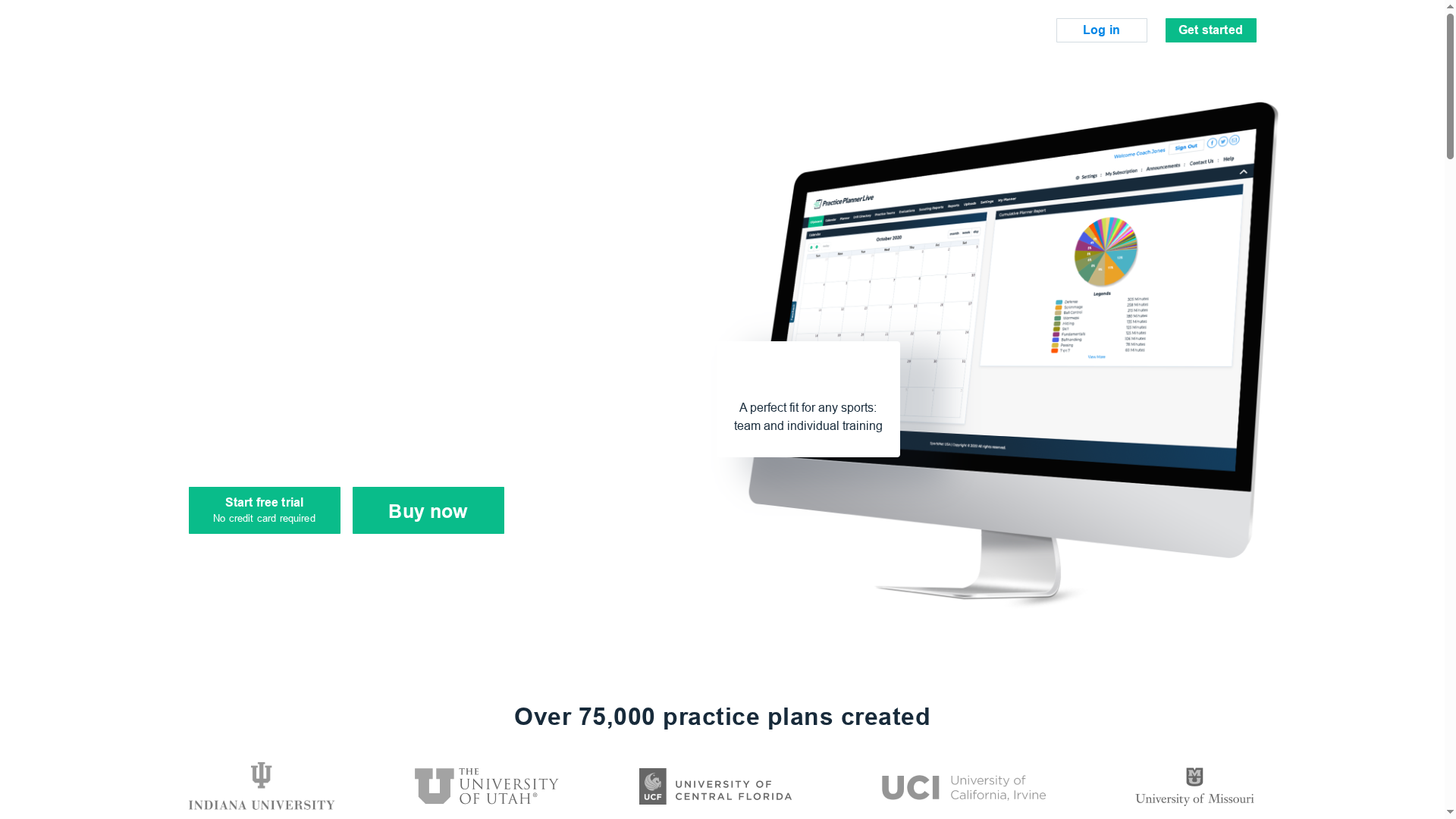
Practice Planner Live is an all-in-one practice planning tool built to help coaches save time and run more effective sessions. With a massive library of over 75,000 practice plans, point-and-click plan building, and collaborative staff features, it centralizes planning, drill management, and practice analysis. It isn’t plug-and-play for everyone — expect a short learning curve and a subscription model — but for organized coaches who value data and repeatable workflows, it’s a strong option.
Core Features
Practice Planner Live consolidates the entire practice lifecycle: plan creation, storage, collaboration, and post-practice evaluation. Key capabilities include a large searchable database of existing practice plans, a point-and-click builder to assemble sessions quickly, a folder system for organizing past plans and notes, and team/staff collaboration tools to share and edit plans. The platform also offers interactive practice stats and a “memory smart drills” list that records drill history for fast reuse. It supports multiple sports, including basketball, soccer, football, and baseball, so multi-sport programs can use the same workflow.
Pros
- Efficient plan creation: The point-and-click builder speeds construction of practice plans, letting you assemble sessions in minutes rather than hours.
- Extensive content library: With over 75,000 plans available, you can borrow structure and drills to jumpstart your weekly planning.
- Strong organization features: The folder system and note storage keep past plans and reflections accessible season after season.
- Collaboration for staff and players: Built-in sharing and staff collaboration let assistants and players view, comment, and prepare before practice.
- Drill management with history: The memory smart drills list remembers drill usage so popular drills and progressions aren’t lost over time.
- Multi-sport support: If you manage more than one program, the platform can handle basketball alongside other sports without separate tools.
Cons
- Some onboarding time required: It may require some time to familiarize with all features before you get fluent and fast.
- Ongoing subscription cost: A monthly subscription is likely required after the 14-day trial, which may be a consideration for budget-conscious programs.
Who It’s For
Practice Planner Live is aimed at coaches and sports organizations that want a structured, repeatable approach to planning and evaluating practice. It’s particularly valuable for head coaches, assistant coaches, and directors who need to archive plans, collaborate with staff, and track drill usage over a season. If you value consistency, data, and reusability, this platform aligns with your workflow.
Unique Value Proposition
What sets Practice Planner Live apart is the combination of a vast practice-plan library, drill memory, and integrated practice stats inside a single platform. Rather than juggling separate documents, spreadsheets, and messaging apps, you get one organized place to build, share, and analyze practices — saving time and reducing friction between planning and execution.
Real World Use Case
A college basketball coach builds weekly practice plans using templates from the library, assigns segments to assistants for input, tracks which drills are run most often via the memory list, and reviews interactive stats after each session to tweak focus areas before game day.
Pricing
Free trial for 14 days; detailed pricing is not listed on the site and appears to be subscription-based.
Website: https://practiceplannerlive.com
Basketball Immersion
At a Glance
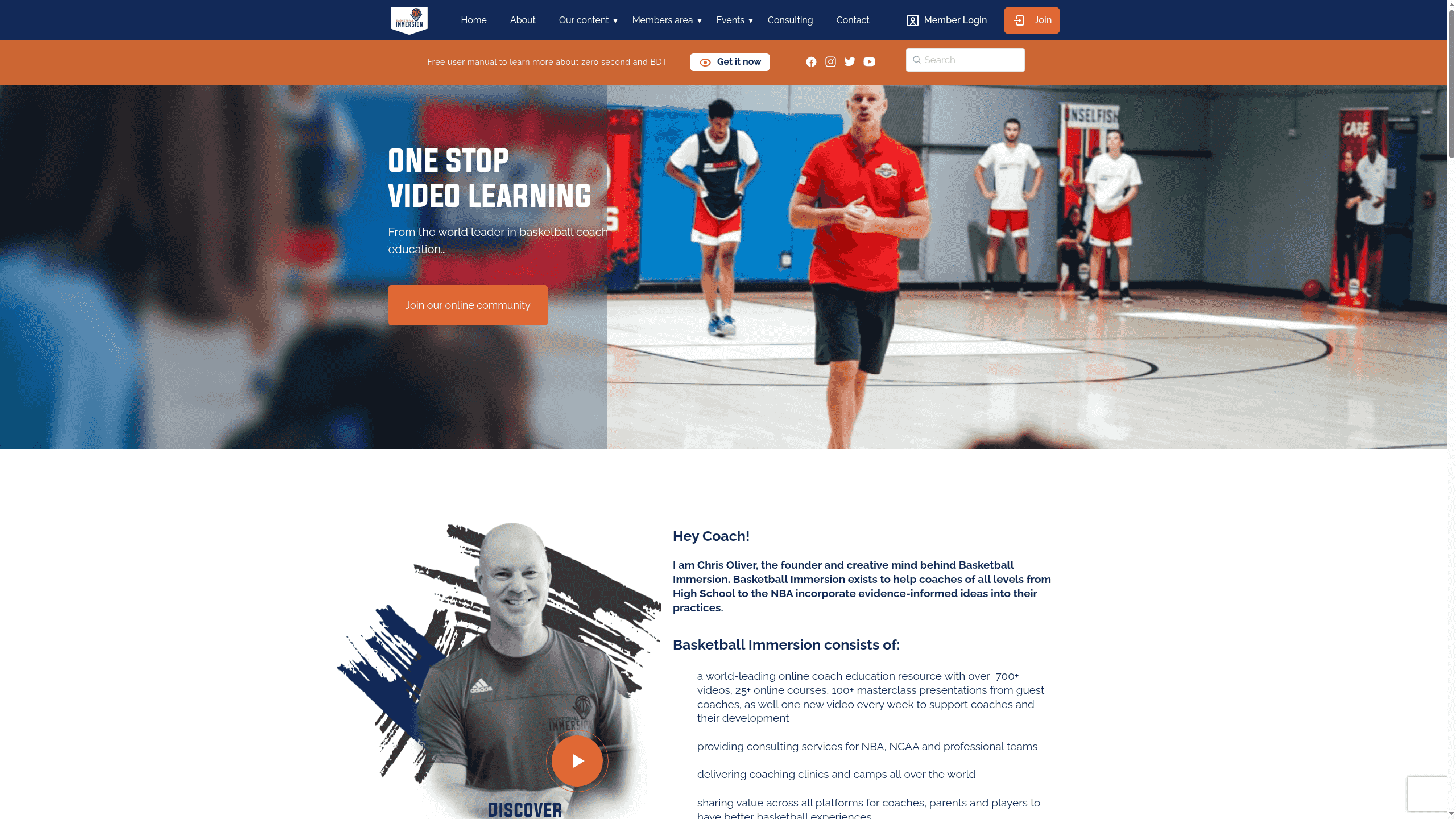
Basketball Immersion is a coach-focused education platform built around evidence-informed content, practical videos, and live interactions with high-level coaches. With over 700 videos and 25+ online courses, it’s a deep reference library for practice planning, game strategy, and professional development. The platform mixes self-paced study, masterclasses from NBA and NCAA coaches, and community interaction, but some of the best material sits behind a subscription and there is no native mobile app—only a mobile-optimized site.
Core Features
Basketball Immersion’s core strengths are its volume and variety of content and the ways coaches can engage with it: a library of 700+ videos, 25+ structured online courses, and masterclasses led by NBA and NCAA professionals. The site incorporates gamified progress tracking with certificates, scheduled office hours for direct access to experts, and an active membership community for discussion and practical collaboration. Content is regularly updated in multiple formats—videos, blogs, podcasts—and the site is mobile-optimized for on-court or on-the-go access.
Pros
- Extensive library of coaching content and courses gives coaches a wide range of concrete drills, concepts, and lecture-style instruction to draw from for season-long planning.
- Evidence-based material means the teaching leans on modern coaching trends and research rather than anecdote, which helps you justify practice decisions and player development choices.
- Flexible membership options, including monthly subscriptions, let coaches try the platform without a long-term commitment.
- Gamified learning and certificate tracking increase engagement and make progress visible for coaches and their programs.
- Direct access to a community of high-level coaches provides networking, feedback, and practical ideas that can accelerate your thinking and planning.
Cons
- Some content and courses require a membership to access, which could be costly for coaches or programs with tight budgets.
- There is no dedicated mobile app; the platform relies on a mobile-optimized website rather than an installable app, which may limit offline use and push notifications.
- Individual courses available for one-time purchase are limited, so you may need a subscription to access the full depth of material you need.
Who It’s For
Basketball Immersion is aimed at coaches who want continual, evidence-informed development—youth coaches, high school and club coaches, and even those working at the college or professional level. If you value structured courses, video breakdowns, and mentorship opportunities from elite practitioners, this platform fits your workflow.
Unique Value Proposition
Basketball Immersion combines scale (hundreds of videos) with elite access (masterclasses and office hours with NBA/NCAA coaches) and a gamified learning path, creating a one-stop development hub that blends theory, demonstration, and peer feedback.
Real World Use Case
A high school coach subscribes to Basketball Immersion to binge a course on practice periodization, watches masterclass clips on defensive spacing, joins office hours to ask implementation questions, and then adapts session plans for the coming week—sharing clips and ideas with assistant coaches via the membership community.
Pricing
Subscription-based with monthly memberships available; some courses available for one-time purchase (pricing not specified on the website).
Website: https://basketballimmersion.com
Coach’s Eye

At a Glance
Coach’s Eye was a widely used video-analysis tool for coaching that served athletes and coaches for over 11 years before being retired by TechSmith. Its strengths were intuitive video feedback, a supportive user community, and clear tools for improving technique. That said, the service is fully discontinued: there is no active development, no ongoing support, and the platform is no longer available for new or returning users. If you relied on Coach’s Eye, plan to migrate to alternate solutions and consult the product FAQ for support options.
Core Features
Historically, Coach’s Eye focused on three core capabilities: detailed video analysis for coaching, a user community where athletes and coaches shared clips and commentary, and feedback tools designed to highlight technique and progress. The platform emphasized frame-by-frame playback, annotation, and shareable clips so coaches could pinpoint mechanical issues and track improvements over time. These core features made it practical for on-court review, remote coaching, and instructional settings.
Pros
- Long-standing user base: Coach’s Eye built credibility by serving coaches and athletes for more than a decade, which fostered community knowledge and shared best practices.
- Valuable for coaching and training: When active, the app helped coaches convert observations into actionable feedback that improved athlete technique and decision-making.
- Ease of use for video feedback: The interface prioritized simple recording, annotation, and playback so coaches could produce useful clips quickly, even on tight practice schedules.
- Historically generous access: Many users benefited from free access to several core features, lowering the barrier to adopting video-based coaching.
- Support while active: During its supported years, TechSmith provided customer help and product stability that reassured teams and educators.
Cons
- Service has been retired and is no longer available: The product is discontinued and cannot be used going forward.
- No ongoing updates or support: There are no future releases, bug fixes, or customer service for the app.
- Features discontinued, making it obsolete for current use: Core functionality exists only as past capability; you cannot rely on Coach’s Eye for new workflows.
- Limited information post-retirement: Details about migration paths or data export may be sparse, complicating transitions for teams with archived content.
Who It’s For
Coach’s Eye was ideal for coaches, athletes, and sports educators who wanted a fast, visual way to give technique-driven feedback and build a shared media-based coaching library. Today it primarily concerns those who used the tool in the past and need to retrieve assets or find comparable alternatives.
Unique Value Proposition
At its peak, Coach’s Eye combined intuitive, coach-focused video tools with a community of practitioners—making it simple to turn clips into corrective guidance. That focused design helped busy coaches translate observation into improvement without heavy tech overhead.
Real World Use Case
A coach recorded game clips, annotated mechanical flaws frame-by-frame, and shared those clips with an athlete for targeted drills and homework. This workflow accelerated technical fixes and clarified practice priorities, but coaches must now replicate it with current tools.
Pricing
Not applicable as the service has been retired.
Website: https://coachseye.com
Just Play Sports Solutions
At a Glance
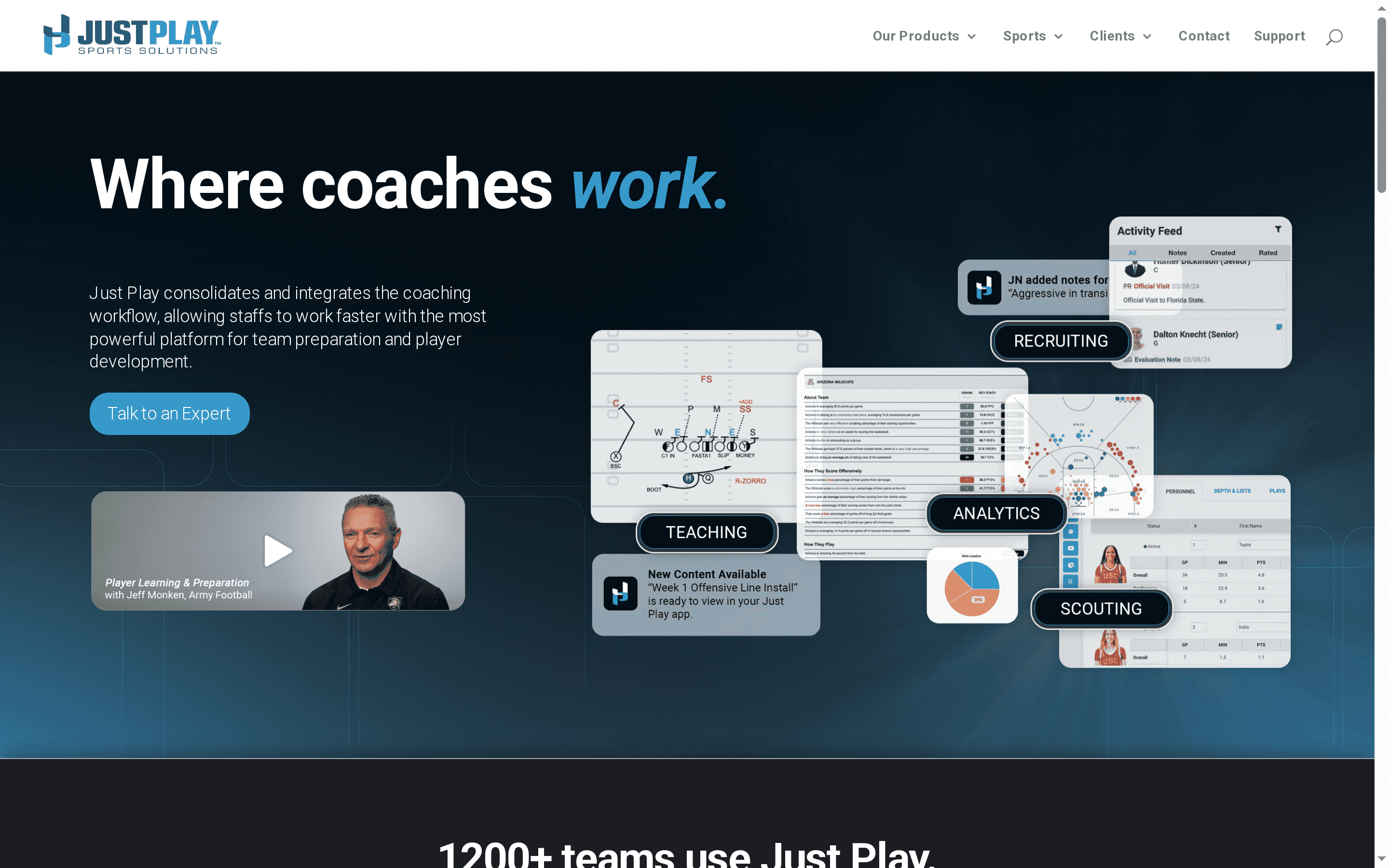
Just Play Sports Solutions consolidates the many moving parts of coaching into a single platform, helping staff move faster on team preparation and player development. Used by over 1,200 teams across basketball, football, hockey, and lacrosse, it blends video-based teaching, quizzes, scouting, and analytics into one workflow. It’s a strong choice if you want centralized content delivery and clearer staff-to-player communication. Pricing details aren’t provided, so budget planning requires a direct inquiry.
Core Features
Just Play brings together core coaching tasks: consolidating workflow for team prep and player development, creating quizzes, plays, and installs with video, delivering content to athletes through a single app, and providing analytics for game insights. The platform also integrates with industry-standard tools to automate data flow and streamline staff workflows. In short: video-based teaching plus content delivery plus analytics, all aimed at improving collaboration between coaches and athletes.
Pros
- Improves team preparation and player development efficiency: Coaches can centralize drills, installs, and teaching materials to reduce redundant work and get players focused on the right tasks.
- Centralizes coaching resources and communication: Playbooks, quizzes, and video live in one place so staff and players reference the same material instead of chasing scattered files.
- Allows for quick insights through analytics: Built-in analytics turn game and practice data into actionable observations that help refine game plans and individual coaching points.
- Enhances athlete engagement through content delivery: Delivering video and quizzes directly to players’ devices increases accountability and repetition outside of practice.
- Supports multiple sports and integrates with other platforms: The multi-sport adoption and integration capabilities reduce friction for athletic departments that run several programs.
Cons
- Information about pricing isn’t specified: Without published pricing, it’s difficult to evaluate ROI or compare the platform against budget constraints for smaller programs.
- Detailed user interface or usability features are not provided: The available data doesn’t describe how intuitive the editor, library, or mobile experience is, which matters for staff adoption.
- Potential compatibility or integration limitations are not mentioned: While integrations are promised, specific partners and limits aren’t listed, so you may need to confirm fit with your existing tech stack.
Who It’s For
Just Play is ideal for sports teams and coaching staffs that want a unified platform for coaching workflow management—particularly programs that handle multiple sports or run larger staffs. If you’re responsible for team prep, game planning, and player development and need to push video and assignments directly to athletes, this platform matches that workflow.
Unique Value Proposition
The platform’s strength is consolidation: it combines video teaching, quizzes, scouting, content delivery, and analytics into a single staff-and-player-facing ecosystem. That consolidation reduces administrative overhead and keeps coaching intent intact from staff meetings to player devices.
Real World Use Case
A college football staff uses Just Play to centralize installs, distribute opponent scouting clips, assign position-group quizzes, and run analytics after games; the result is faster preparation cycles and tighter in-game execution because everyone studies the same, coach-approved material.
Pricing
Not specified
Website: https://justplaysolutions.com
Basketball Coaching Tools Comparison
This table provides a comprehensive comparison of various basketball coaching tools, highlighting their features, pros, cons, and pricing to help coaches choose the best solution for their needs.
| Product | Key Features | Pros | Cons | Pricing |
|---|---|---|---|---|
| Hoop Mentality | Playbooks, drills, templates; digital downloads | Extensive resources; suitable for all levels; high user ratings; secure access | Non-refundable products; requires account for downloads | $24.99 to $399.99 |
| FastModel Sports | Play creation, scouting, video integration | Industry leader; wide product range; trusted by major organizations; integration with video and analytics | High cost for small programs; specific to basketball; complexity for new users | Quote-based |
| XPS Network Sports | Planning, communication, video review, injury management | Comprehensive features; user-friendly; multi-sport support; data-driven decisions | Feature overwhelm potential; lack of specified limitations; possible subscription costs | Free tier; pricing not clear |
| Hoopscribe | International player profiles, rankings, news | Detailed insights; highlights lesser-known talent; free access | Limited non-NBA coverage; narrow focus; needs constant updates | Free |
| Practice Planner Live | Practice planning, collaboration, extensive content library | Efficient building; extensive library; collaboration tools; multi-sport support | Subscription cost; onboarding time needed | Free trial; subscription |
| Basketball Immersion | Videos, courses, masterclasses | Extensive library; evidence-based; flexible memberships; community access | Membership required for some content; no dedicated app | Subscription-based |
| Coach’s Eye | Video analysis (Retired) | Intuitive video feedback; shared community; practical for technique improvements | Discontinued; no ongoing support | Not applicable |
| Just Play Sports Solutions | Consolidated coaching tasks, quizzes, video analytics | Centralizes coaching resources; quick insights; enhances engagement | Pricing not specified; potential UI limitations | Not specified |
Elevate Your Basketball Practice Planning in 2025
Finding the right app to simplify and strengthen your basketball practice planning is a challenge many coaches face. This article highlights key struggles like streamlining practice sessions, building effective drills, aligning strategy and execution, and saving precious prep time. If you want to stop wasting hours on disorganized plans or scattered resources, it’s time to take control with tools designed specifically for basketball coaches who demand clarity and impact.
Discover how our expertly crafted Basketball Drills, Basketball Templates, and comprehensive practice plans empower you to build structured, repeatable sessions that players understand and trust.
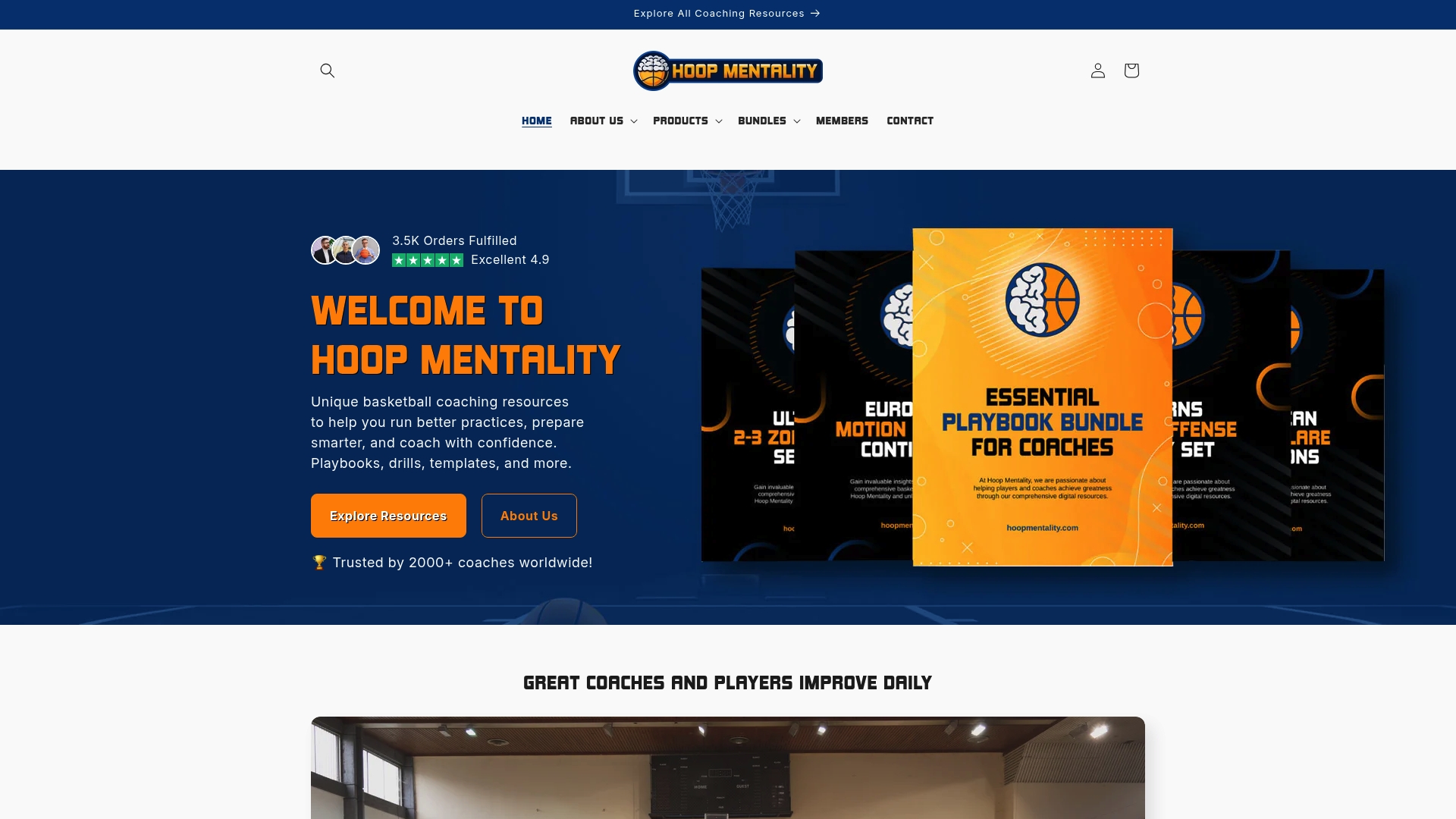
Ready to transform your coaching routine and cut down planning stress? Visit Hoop Mentality today to explore professional resources that help you run practices efficiently and focus on winning games. Don’t wait to put proven systems to work for your team this season.
Frequently Asked Questions
What features should I look for in a basketball practice planning app?
A good basketball practice planning app should offer features like customizable practice plans, drill libraries, collaboration tools, and video analysis integration. Focus on apps that allow easy modification of plans to adapt to your team’s needs and include resources that support player development.
How can a practice planning app improve my coaching efficiency?
Using a practice planning app can streamline your preparation by providing templates and resources that save time on planning. For instance, many apps include pre-designed drills and practice structures, which can cut your normal planning time by ~30%.
Are there specific apps that cater to both player development and strategic planning?
Yes, many basketball practice planning apps combine player development resources and strategic planning features. Look for tools that integrate practice analytics with player feedback mechanisms to track progress and adjust strategies effectively.
How can I evaluate the effectiveness of a practice planning app?
To evaluate its effectiveness, measure how much time it saves you on average during practice preparation and how it enhances communication with players and staff. Set clear goals, such as reducing planning time by 20% within the first month.
Can I use a single app for multiple sports, or is it better to choose sport-specific solutions?
While some apps support multiple sports, sport-specific solutions often provide more tailored features and resources for basketball. Assess your coaching focus; if you primarily coach basketball, choosing a dedicated tool will likely yield better results.
How do I transition my existing practice plans into a new planning app?
Transitioning your existing practice plans involves exporting them from your current documents and importing or recreating them in the new app. Many apps offer user-friendly importing features, so ensure to follow the setup guides for a smooth migration.
Recommended
- What A Basketball Practice Plan Template Must Include In 2026 – Hoop Mentality
- What A Basketball Practice Plan Template Must Include In 2026 – Hoop Mentality
- 7 Key Steps for a Winning Practice Planning Checklist – Hoop Mentality
- Basketball Practice Plan Template - Hoop Mentality
- Best Social Media Management Tools for SMB – Expert Comparison 2025 - BizDev Strategy
- 7 Top Examples of Learning Apps for Smarter Studying